











From Excel to CRM is a transition that often appears when a business starts to have more customers, a larger Sales team and a more complex Sales process. Excel can still work well at the early stage, but when Data grows quickly, the old management approach can begin to create limitations that the business may not immediately see.
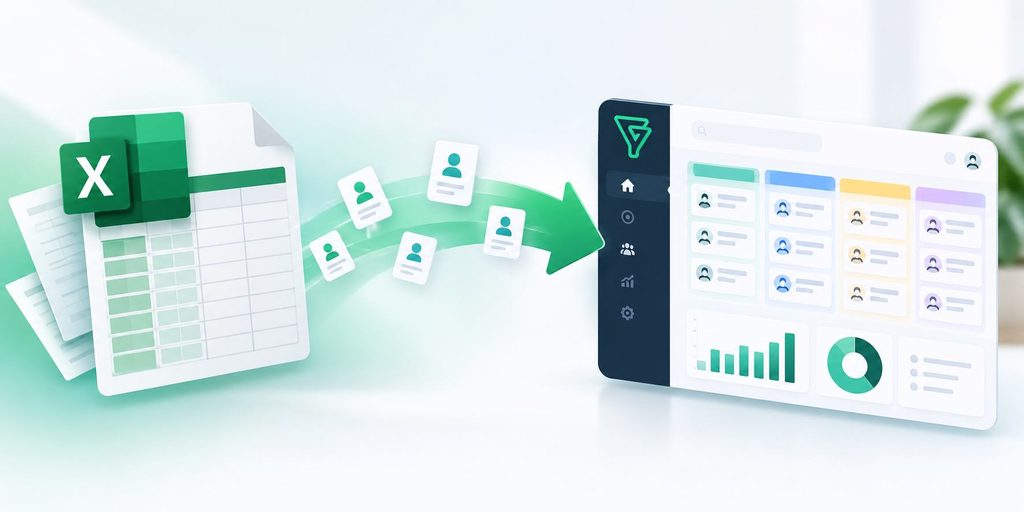
Excel Is Not Wrong, the Business Has Simply Outgrown Its Old Management Approach
Excel is often a very reasonable starting point. A file can store customer names, phone numbers, Email addresses, consultation status, opportunity value and update history. For a small Sales team, a limited number of customers and a simple process, this approach is both simple and cost effective.
But as business activities grow, Data starts increasing faster than what can be controlled through a few spreadsheets. Multiple employees work together, and each person may keep a separate file or update different versions. As a result, customer information can easily become fragmented, duplicated or no longer reflect the actual situation.
At this point, the issue is no longer about how many rows of Data Excel can store. The issue is the ability to turn Data into information that can be used for management and decision making.
A file can show the customer’s current status if Sales updates it completely. But to know how many times a customer has been contacted, who is responsible, what the next step is, which opportunities are being delayed or which sources are generating more customers, the business needs a more structured way of managing Data.
This is exactly the time to reconsider the question: Is Excel still suitable for the way the business operates?
5 Signs It Is Time to Move From Excel to CRM
There is no fixed revenue level or number of customers that determines when a business should move to CRM. The clearest signs lie in the problems that begin to appear during daily operations.

First, customer Data appears in too many places. Information may be stored in Excel, Email, Chat groups or on individual employees’ computers. When a customer needs to be checked, managers have to ask multiple people or search through different sources.
Second, Sales starts spending too much time updating Data. Employees have to consult, make calls and send quotations while also re entering information into files. As the number of Leads increases, the time spent managing Data also increases.
Third, it becomes difficult to know exactly where a Lead is in the Sales process. A customer list may contain hundreds of rows but does not actually show which opportunities are being handled, which opportunities have not been contacted for a long time or which customers need to be prioritized.
Fourth, managers find it difficult to evaluate Sales team performance. If Data is not updated using a consistent structure, tracking the number of Leads, Sales opportunities, conversion rates or processing time becomes inconsistent.
Fifth, expanding the team starts to make the current system difficult to control. As more employees join, the number of people accessing and editing Data increases. A way of working that was suitable for a small group may no longer be suitable when the operating scale changes.
If these problems begin appearing frequently, the question is no longer “Should we use CRM?” but “What kind of Data management system does the business need?”
From Excel to CRM: CRM Changes How Businesses Look at Data
The biggest difference when moving from Excel to CRM is not the interface or the number of features. The more important change is how Data is organized.
In Excel, Data is usually viewed as a table. Each row represents a customer and each column represents information that needs to be stored. CRM puts Data into a process, where customer information can be connected with the responsible person, interaction history, Sales opportunities, tasks that need to be completed and current status.
This allows Sales to know not only who the customer is, but also what needs to be done next.
For example, a Lead coming from the Website can be recorded in the system, assigned to a responsible employee and placed into the appropriate Pipeline. After a call, Sales updates the result and creates the next step. Managers can view the entire Pipeline to see the number of opportunities at each stage instead of asking each employee to send a report file.
At that point, Data is no longer simply something to store. Data becomes part of the operating process.
This is also why CRM often becomes necessary when a business starts paying more attention to the ability to control processes, rather than simply managing a customer list.
Using CRM Does Not Mean You Have to Abandon Excel Immediately
One common misunderstanding is that moving to CRM means the entire old way of working has to change immediately. In reality, this process should be carried out step by step.
First, the business needs to identify which Data is actually valuable. Not all information previously stored in Excel needs to be transferred to the new system. Duplicate Data, outdated information or Data that no longer provides value for current operations can be cleaned up before being imported.
Next is defining the Sales process. The business needs to know where Leads come from, who receives them, what the handling stages are, when an opportunity is considered successful and what information needs to be updated at each step.
Only then should the CRM be configured according to the actual process. When the system reflects the way the Sales team really works, adoption will be much more natural than simply introducing software and asking everyone to completely change their way of working without clear direction.
Excel therefore does not necessarily have to disappear immediately. It can continue to be used for suitable needs, while CRM takes responsibility for customer management and Sales processes that require a higher level of structure.
Businesses Should Upgrade When Data Needs to Be Managed, Not Just Stored
The journey from Excel to CRM is essentially a step forward in how a business looks at Data.
At the early stage, what matters is having Data. As operations develop, what becomes more important is that Data must be accurate, centralized and usable. At a certain point, the business needs to know how many opportunities its Data is generating, how those opportunities are being handled and where the Sales process needs to be improved.
That is when CRM starts to create value.
Not every business needs a complex CRM system. From Excel to CRM does not mean that a business has to immediately invest in a large system, but rather choose a level of management that matches its scale, processes and amount of Data. A small business with a simple process may only need a system that is sufficient to centralize customers, manage the Pipeline and track tasks. On the other hand, when the Sales process has multiple stages, multiple employees are involved and the amount of Data continues to grow, the need for a more structured management system becomes clearer.
Therefore, the timing for moving from Excel to CRM should not be decided only based on company size or the number of customers. Look at the point where the current management approach starts causing the team to lose time, leaving managers without sufficient information and making it difficult to track Sales opportunities through to completion.
Excel can be where a business starts with Data. CRM is the next step when Data begins to need to become part of the operating system.
For WBLGroup, the process from Excel to CRM should begin by reviewing how the business currently manages customers, identifying bottlenecks in the process and choosing an appropriate level of systemization. From Excel to CRM is not about adding another piece of software, but about making Data truly become part of the operating system and serve the way the business wants to grow.